Dashboard
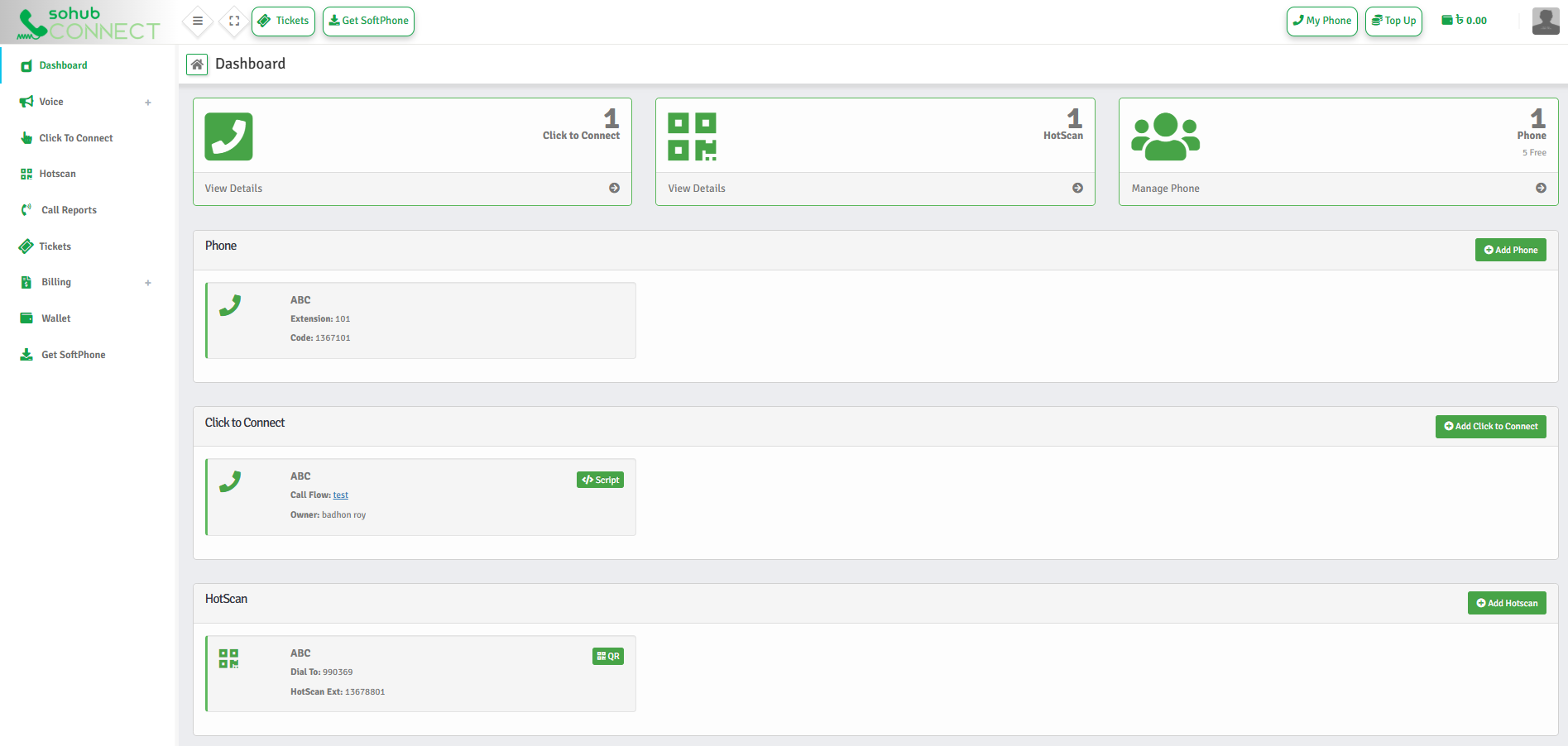
The Dashboard is where everything in SOHUB Connect comes together.
It gives you a live snapshot of your communication setup — what's active, what's available, and what you can do next.
Top Summary Cards
At the top of the Dashboard, you'll see a quick system summary.
- Click to Connect — active widgets and calling entry points
- HotScan — active QR-based calling profiles
- Phone Accounts — configured Phones available for calling
This section answers one question instantly: "Is my system ready to receive calls right now?"
Click to Connect
Click to Connect enables instant voice conversations from the internet.
- Create new Click to Connect buttons
- Assign call flows
- Generate embed scripts for websites or apps
- Manage who receives calls
HotScan
HotScan enables QR-based calling — no phone numbers required.
- Product packaging
- Business cards
- Flyers and brochures
- Physical locations
Phone
Phone is where you manage call-ready Phone accounts.
- Add new Phone accounts
- Manage existing Phone accounts
- Control active/inactive Phone status
- Prepare users to receive calls
Start simple. Expand when ready. Conversations come first.