
Click to Connect
Start the conversation the moment intent appears
One click connects your customer to a real human voice.
No phone numbers. No dialing. No waiting.
FREE FOREVER for up to 5 users
When customers want to talk,
every second matters
Most businesses still ask customers to:
Find a phone number
Dial manually
Wait, retry, or give up
Every extra step creates friction.
Every second of delay loses trust.
Click to Connect removes everything between intent and conversation.
What is Click to Connect?
Click to Connect is a simple call button you place on your website.
When a customer clicks it, a voice conversation starts instantly — directly inside the browser.
No SIM cards.
No telecom operators.
No phone numbers.
Just real human conversation, right when it matters.
How it works
Getting started takes less than a minute.
Create
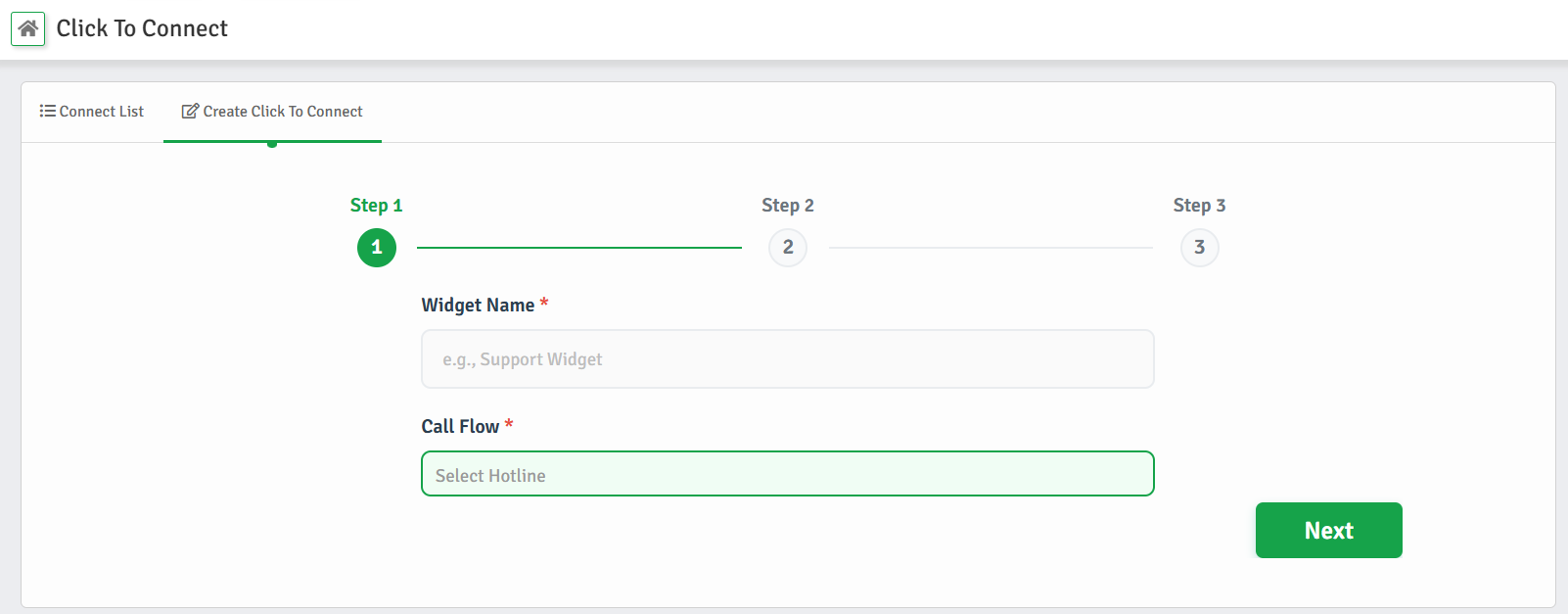
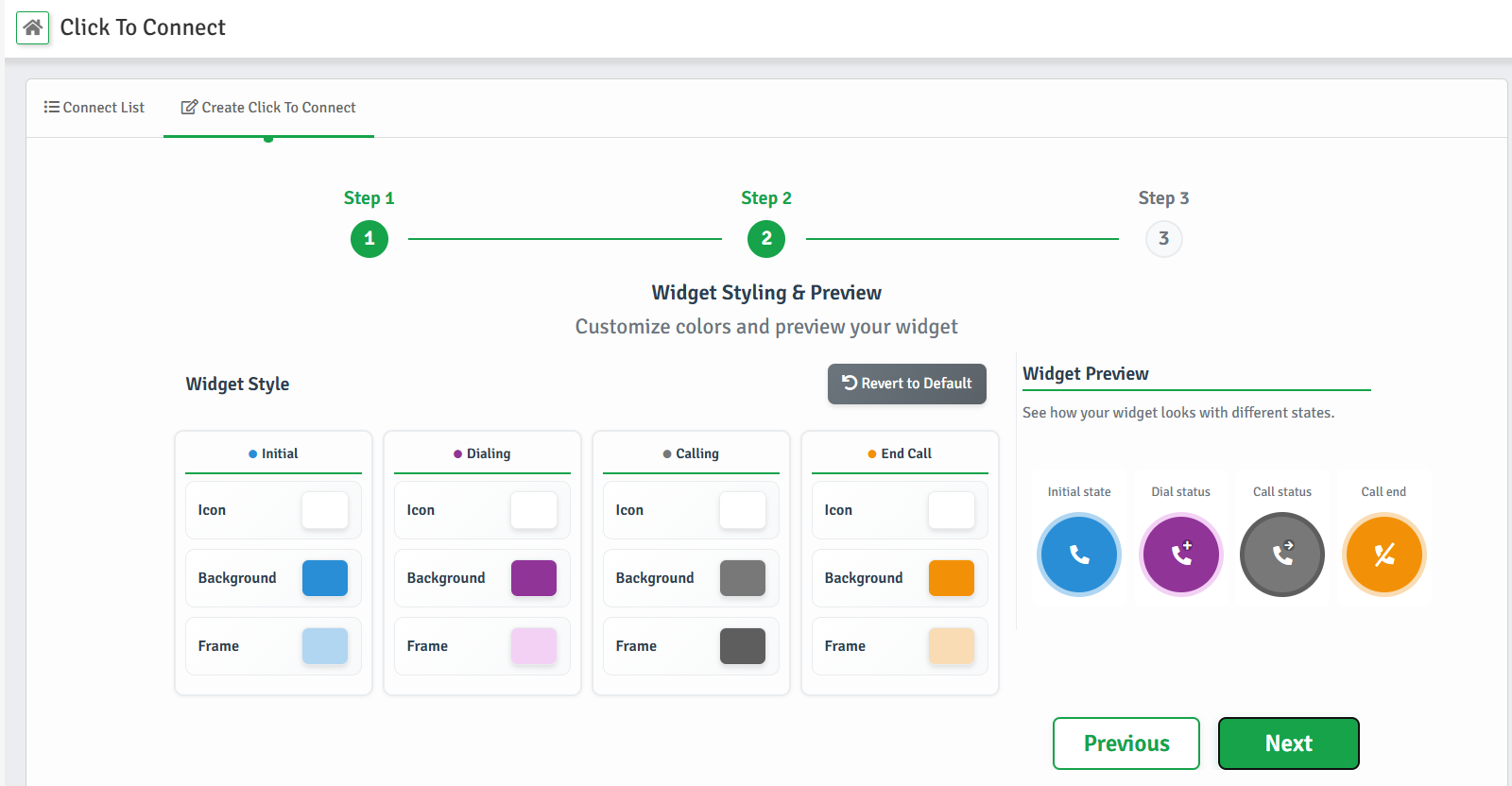
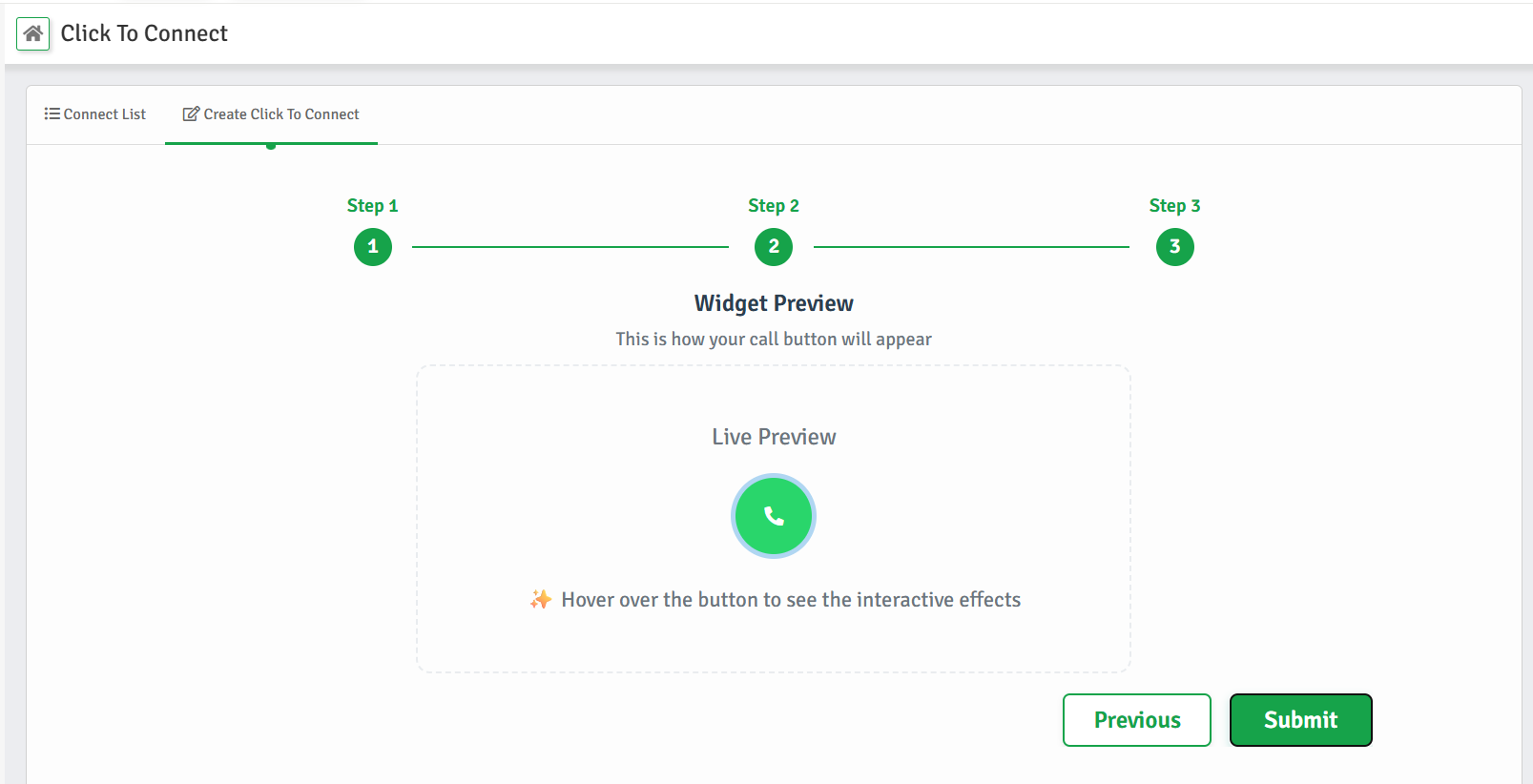
Create a Click to Connect button from your dashboard. Choose who should receive calls.
Add
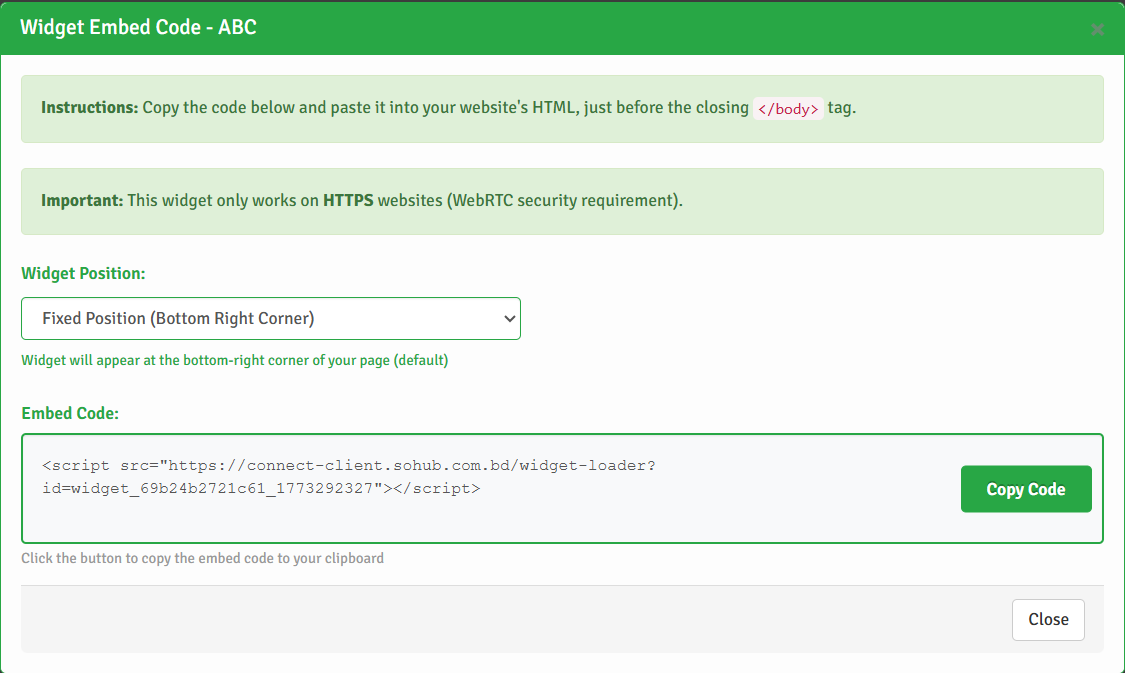
Copy the embed code and place it on your website. No configuration required.
Talk
Customers click the button. Your team answers instantly.
That's it.
Explore SOHUB Connect Functionalities
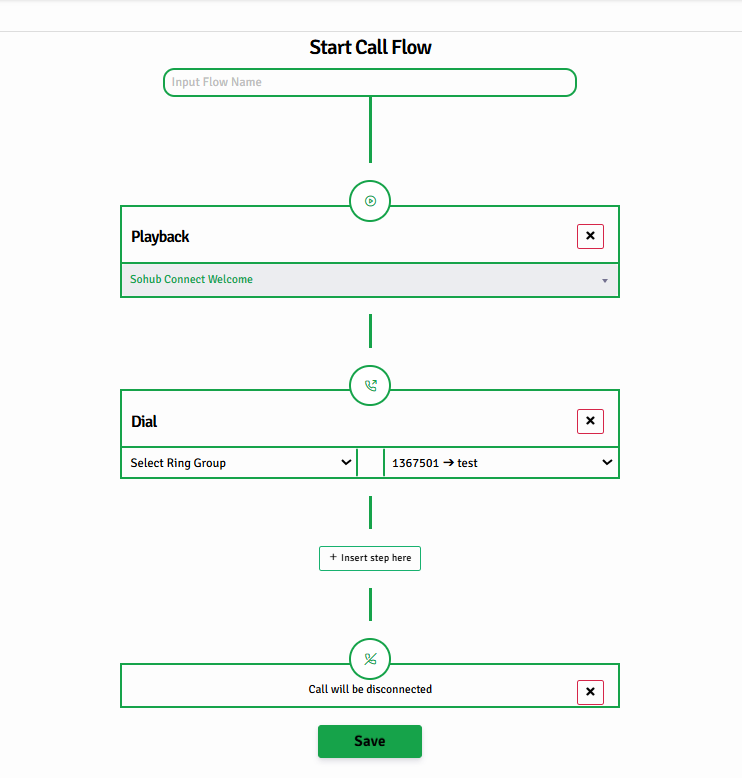
Deliver a professional calling experience with SOHUB Connect's smart IVR — no hardware or setup hassle.
- ✔Custom Welcome Messages – Set your own audio recordings or personalized greetings to welcome callers
- ✔Interactive Voice Menus – Guide callers to the right team with clear menu options
- ✔Smart Call Transfers – Automatically route callers to the right team or destination based on their needs
- ✔Playback Audio Messages – Announce updates, business hours, or other important information through audio
- ✔Ring Group Integration – Forward calls using smart ring strategies for the right team
Ensure fast, accurate, and professional responses—right from the first ring.
Start talking, instantly
When customers are ready, real conversations begin.
Click to Connect lets your team respond the moment intent appears.