Recommended Softphones

Recommended Softphones

To test SOHUB Connect with your setup, you'll need a softphone client. Here are our recommendations based on operating system.

Windows
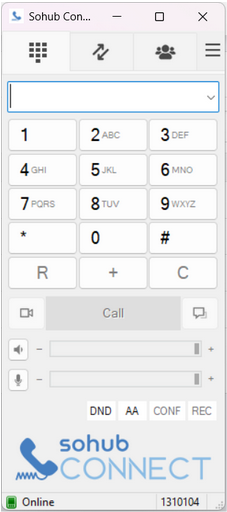
SOHUB Connect
macOS
Telephone
Linux (Ubuntu/Debian)
GNOME Calls
Mobile (iOS/Android)
PortSIP
We recommend the Windows softphone for the best compatibility with SOHUB Connect.

Windows – SOHUB Connect

Download the Windows app from the portal and sign in using your phone number and password.
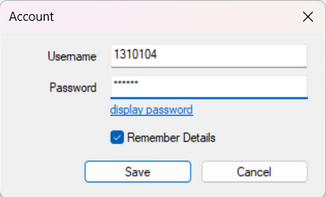
Step-by-step setup

  1. Open Dashboard to Get SoftPhone.
  2. Download and install the Windows app.
  3. Enter your phone number and password.
  4. Check that status shows Online.
Keep the softphone running during business hours to receive calls.
Download Windows Softphone
Softphone registration screenSoftphone online status screen
Hard Phones

All generic SIP phones are supported

Any standard SIP desk phone can be used with SOHUB Connect. The models below are examples, but you can use other SIP phones as well.

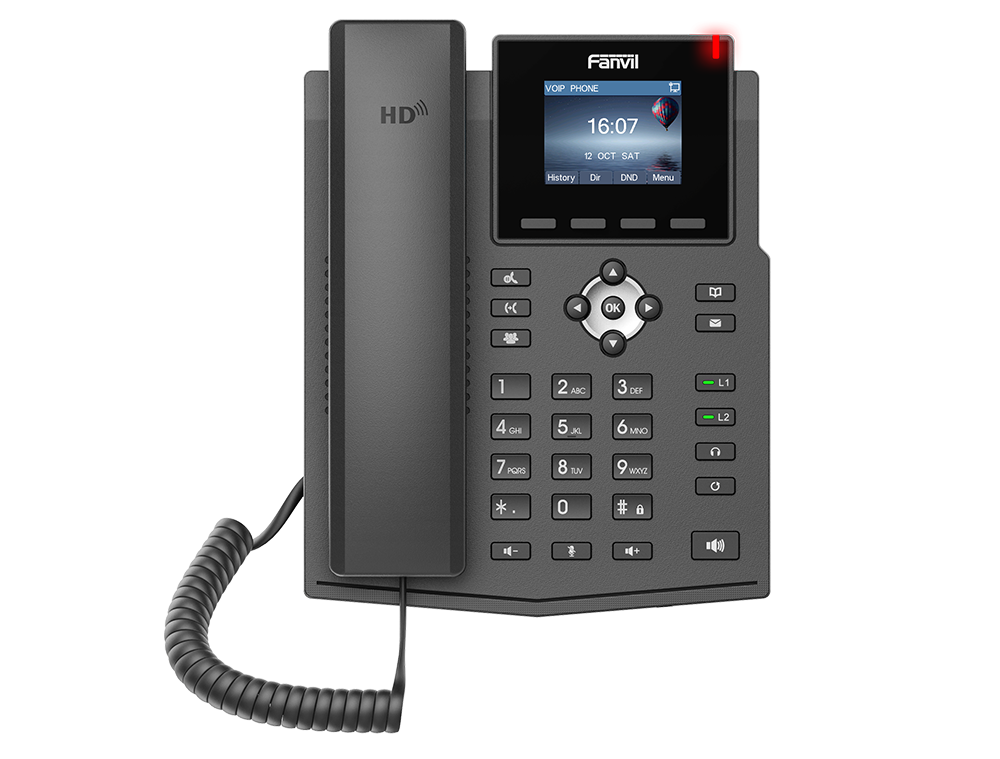
Fanvil X3U desk phone

Fanvil X3U

Tested for day-to-day office use with standard account registration.
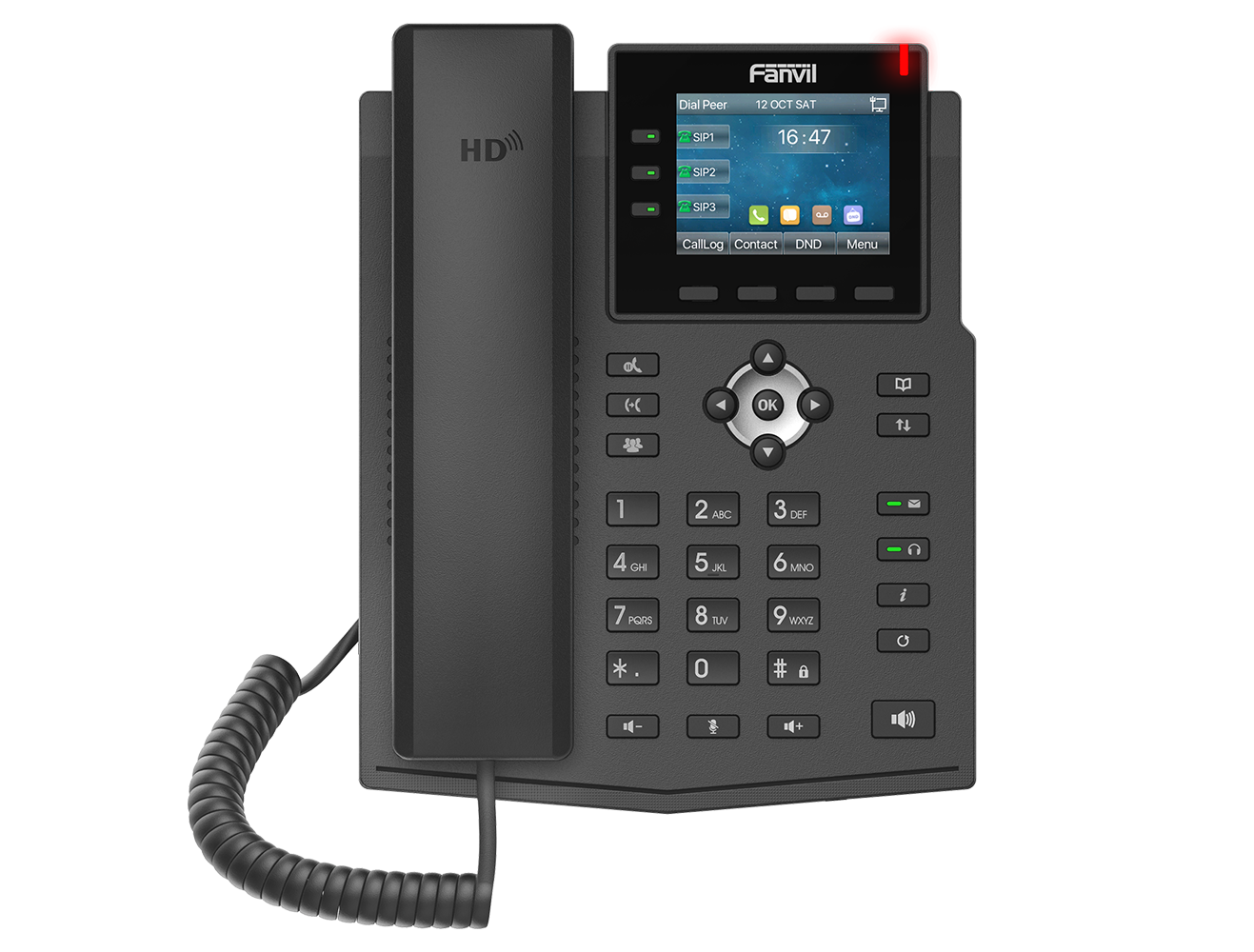
Fanvil X3SP desk phone

Fanvil X3SP

A good fit for reception desks and teams that need multiple line visibility.
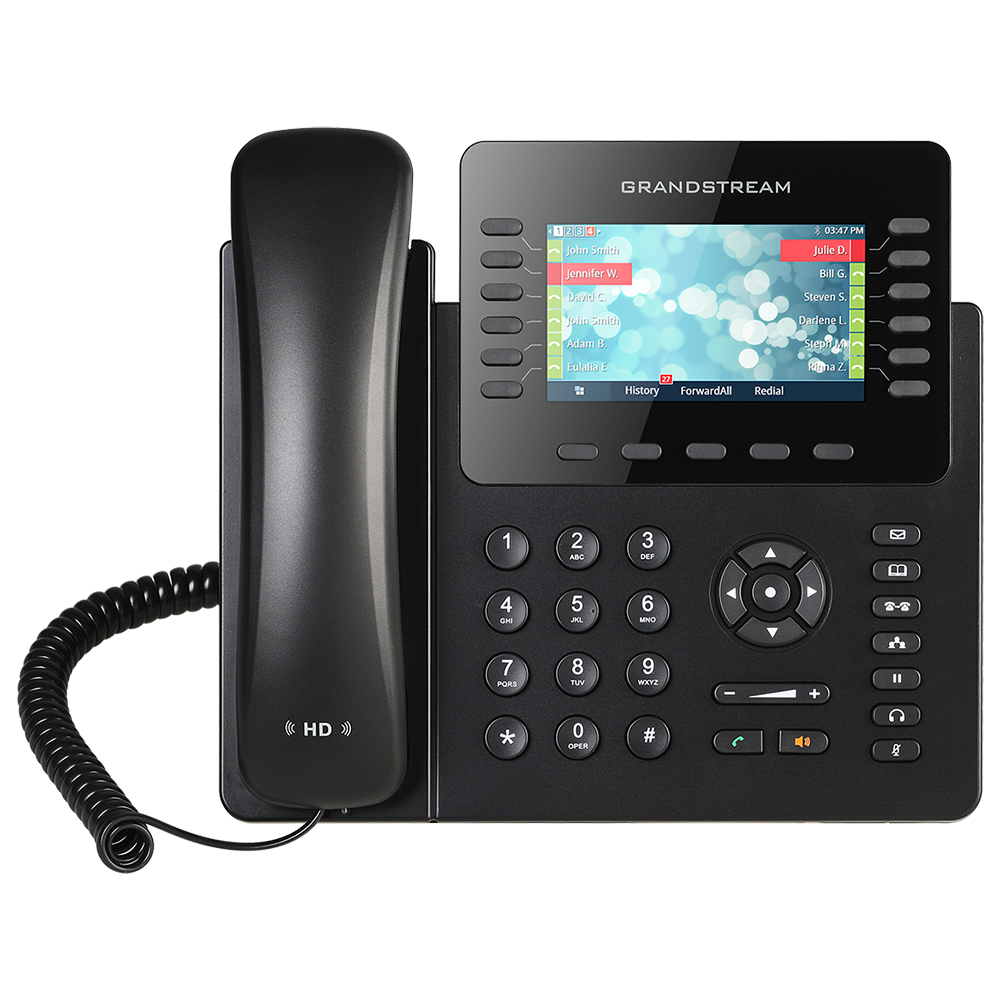
Grandstream GXP2170 desk phone

Grandstream GXP2170

Designed for busy teams needing more programmable keys and line visibility.
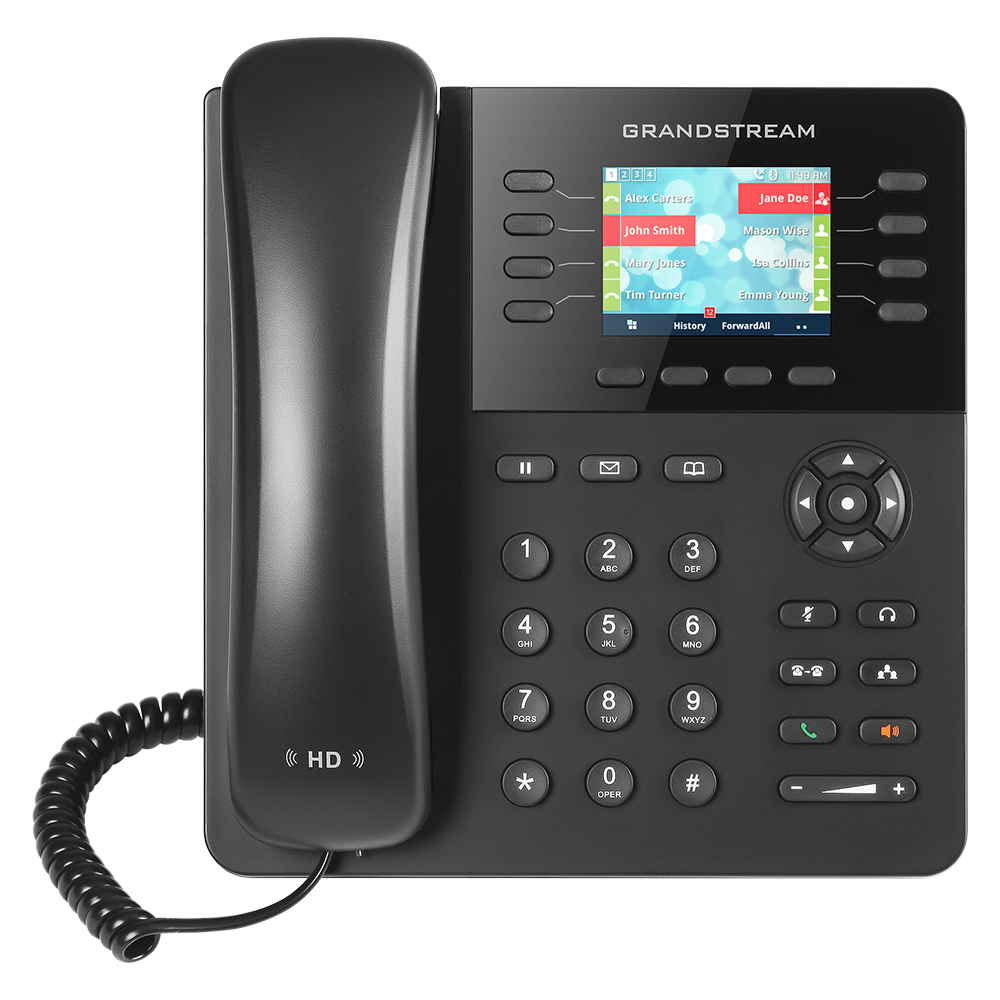
Grandstream GXP2135 desk phone

Grandstream GXP2135

Great for multi-line users with HD audio and fast call handling.